SignMail

SignMail: consistent email signatures

Consistent email signatures, effortlessly

SignMail centralises email signatures across the whole company. You create templates in a visual editor, contact details come from the directory, and the signature is applied automatically on Microsoft 365, with no installation or set-up for employees.

The result: a consistent brand image on every message, always up-to-date information, and banners you can activate for a trade show or a promotion. Google Workspace is also supported.
Email with a consistent signature applied automatically

All signatures, managed in one place

From template creation to deployment on every mailbox, SignMail automates signature management and keeps track of every change.

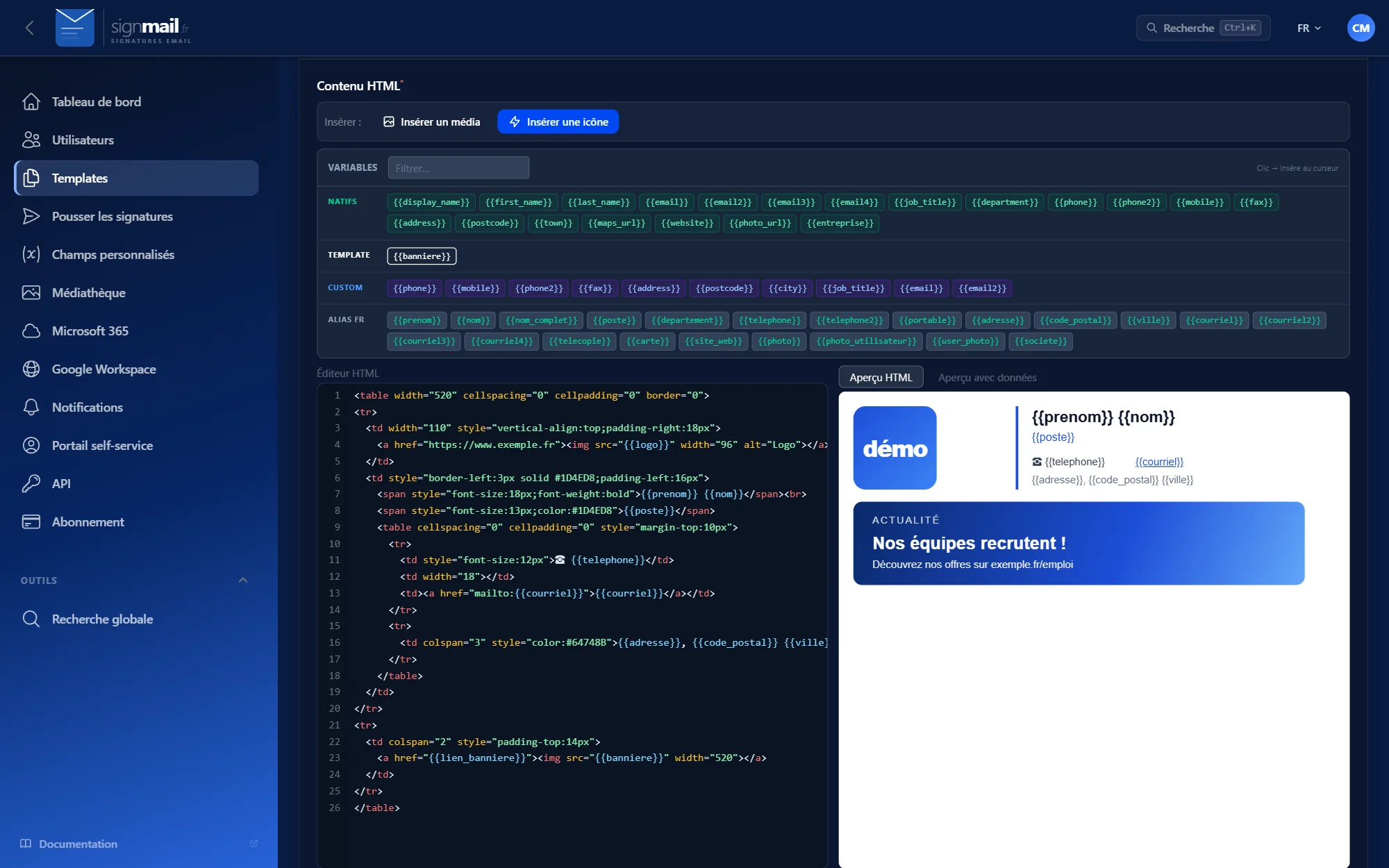
Visual editor

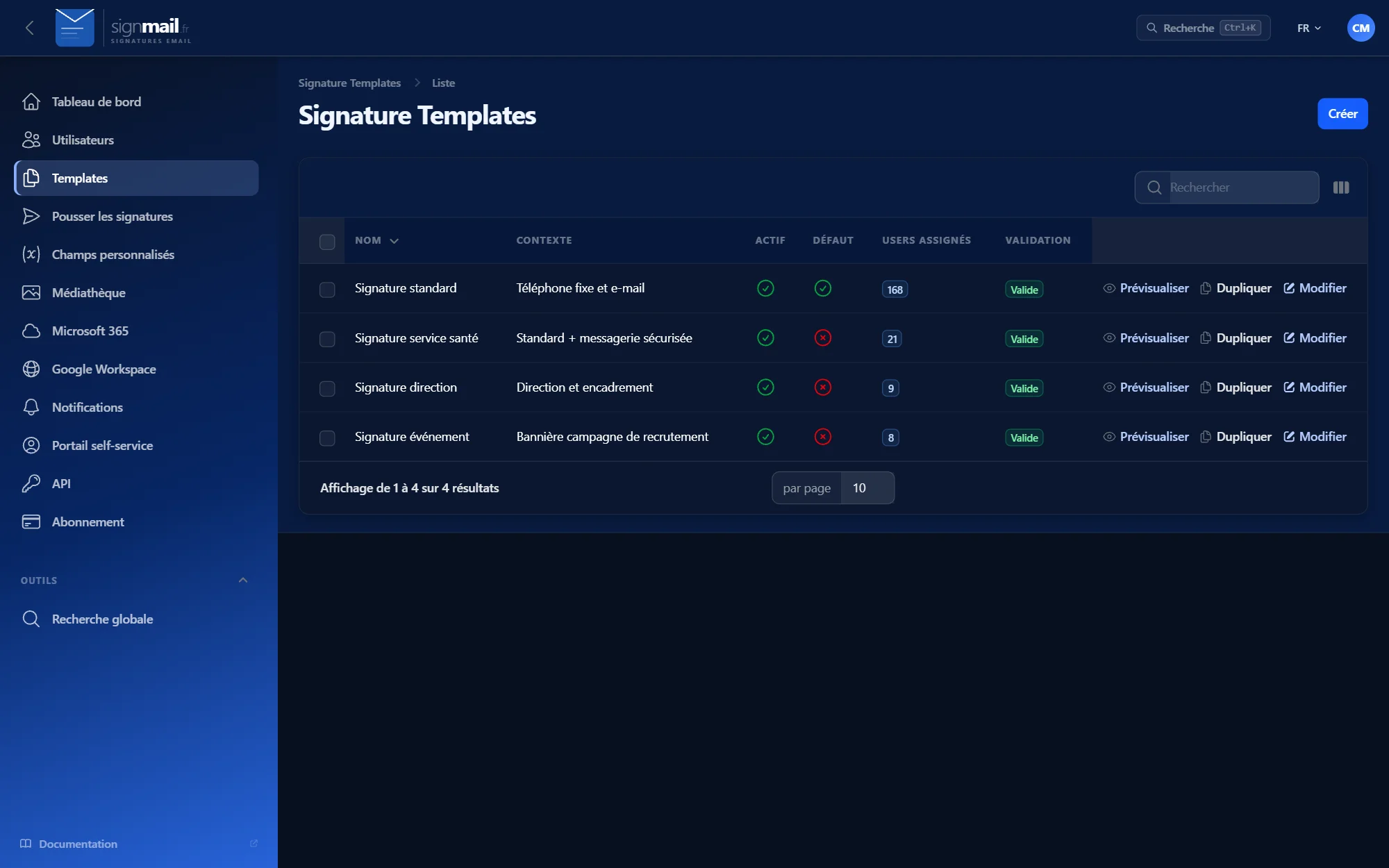
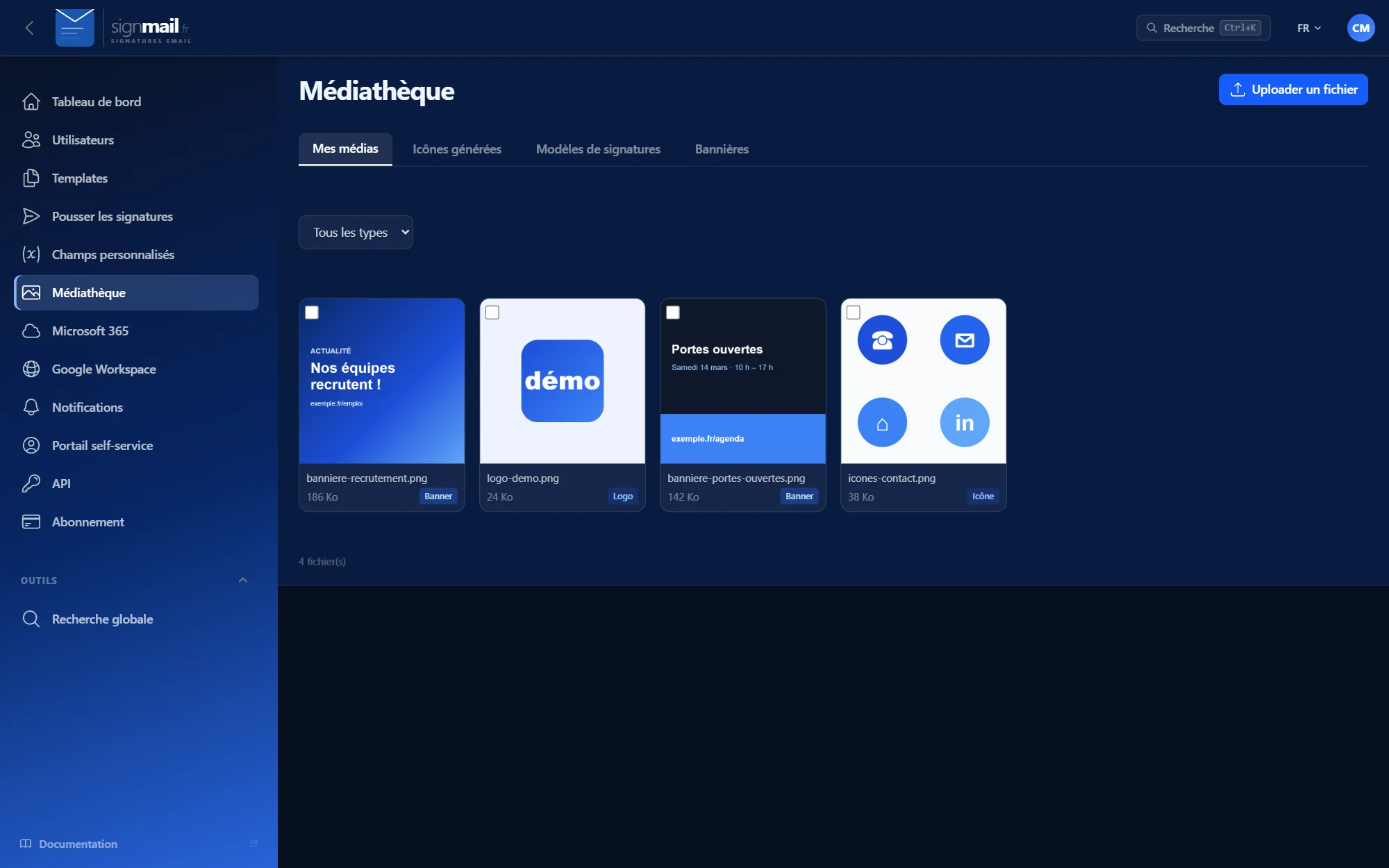
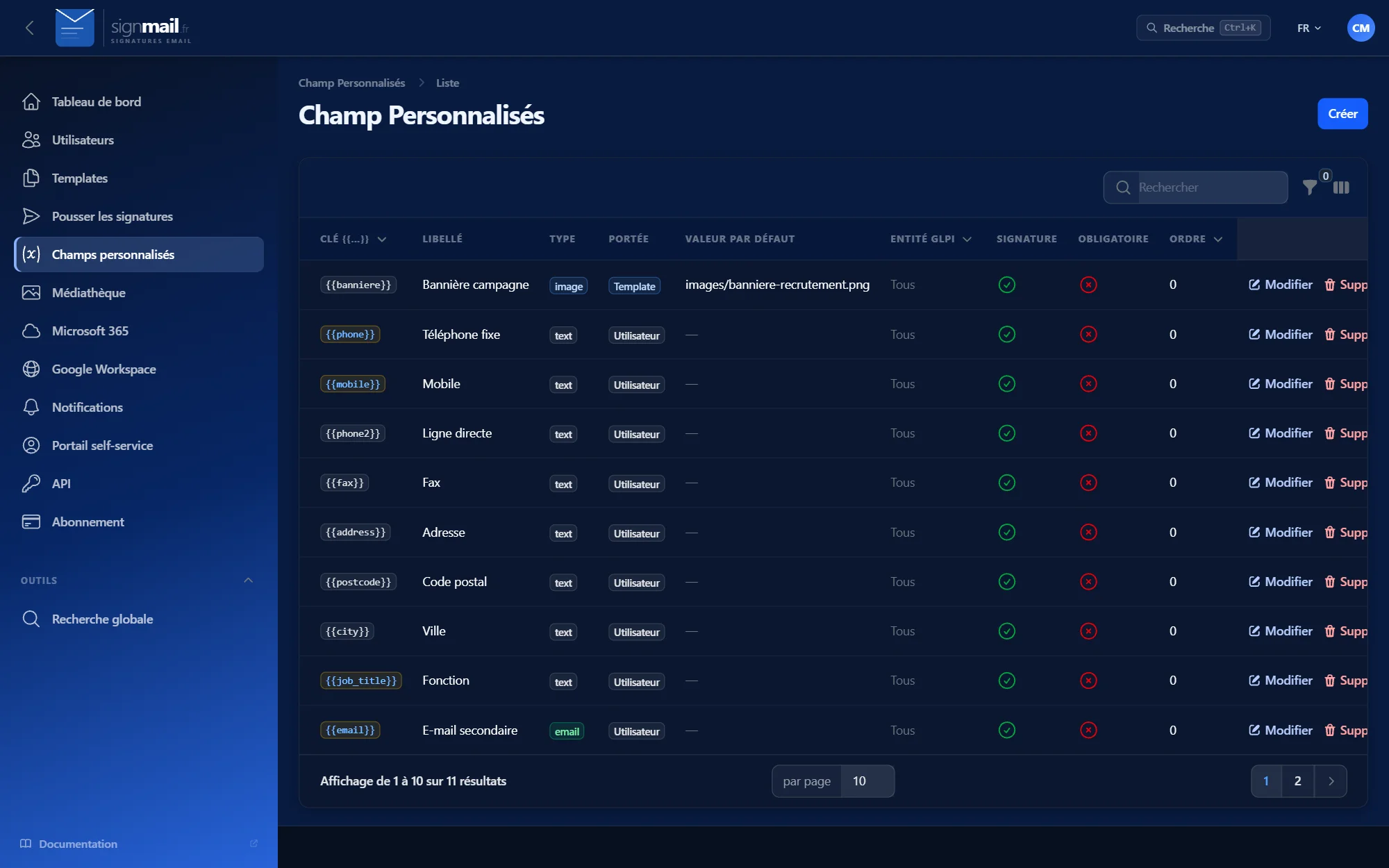
Logo, banner, icons and per-employee variables, with a real-time preview. Unlimited templates, import and export.

Automatic deployment

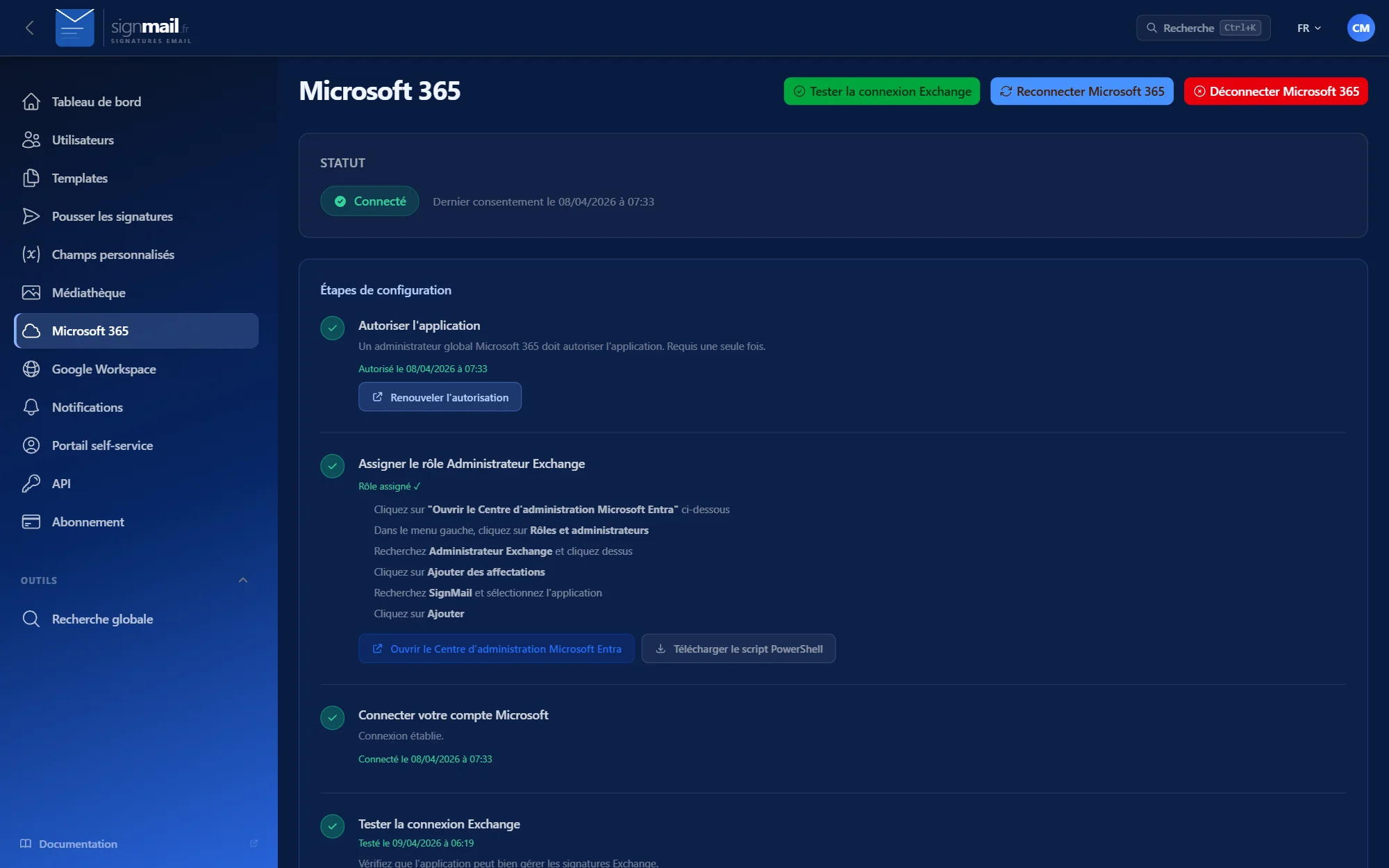
On Microsoft 365, the signature is added server-side: it applies from Outlook, OWA, mobile or any other mail client.

Always up-to-date data

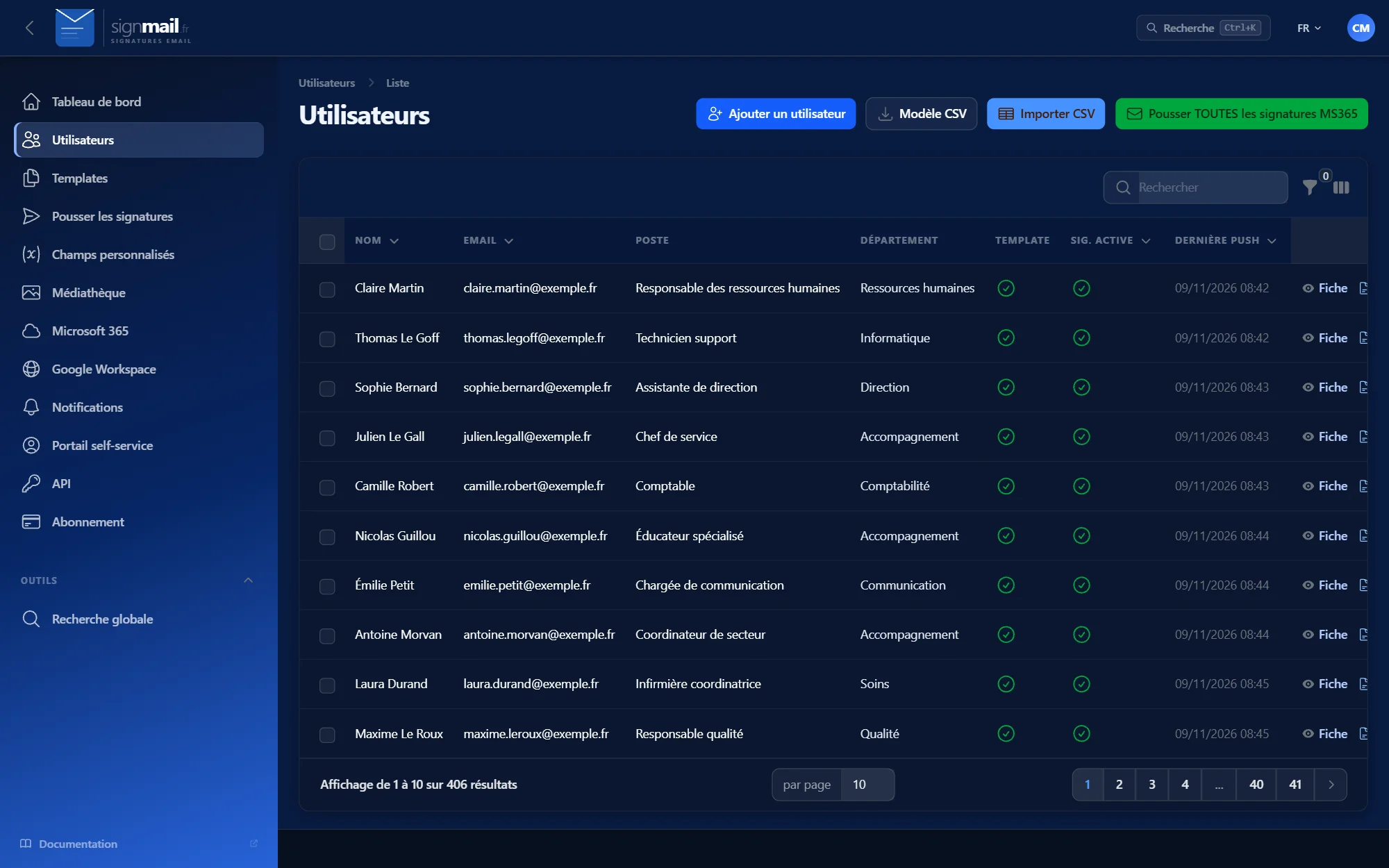
Name, job title, phone, address and photo are synchronised from the directory: Azure AD, Google Workspace or GLPI.

Context-based content

Conditional blocks by department or job title, empty fields hidden, banners active over a set period, without a line of code.

Multiple profiles

Full signature for new messages, short for replies, profiles per team, choice from the Outlook pane.

Temporary signatures

Absences, trade shows, events: a signature with a start and end date, then automatic return to the usual signature.

Employee portal

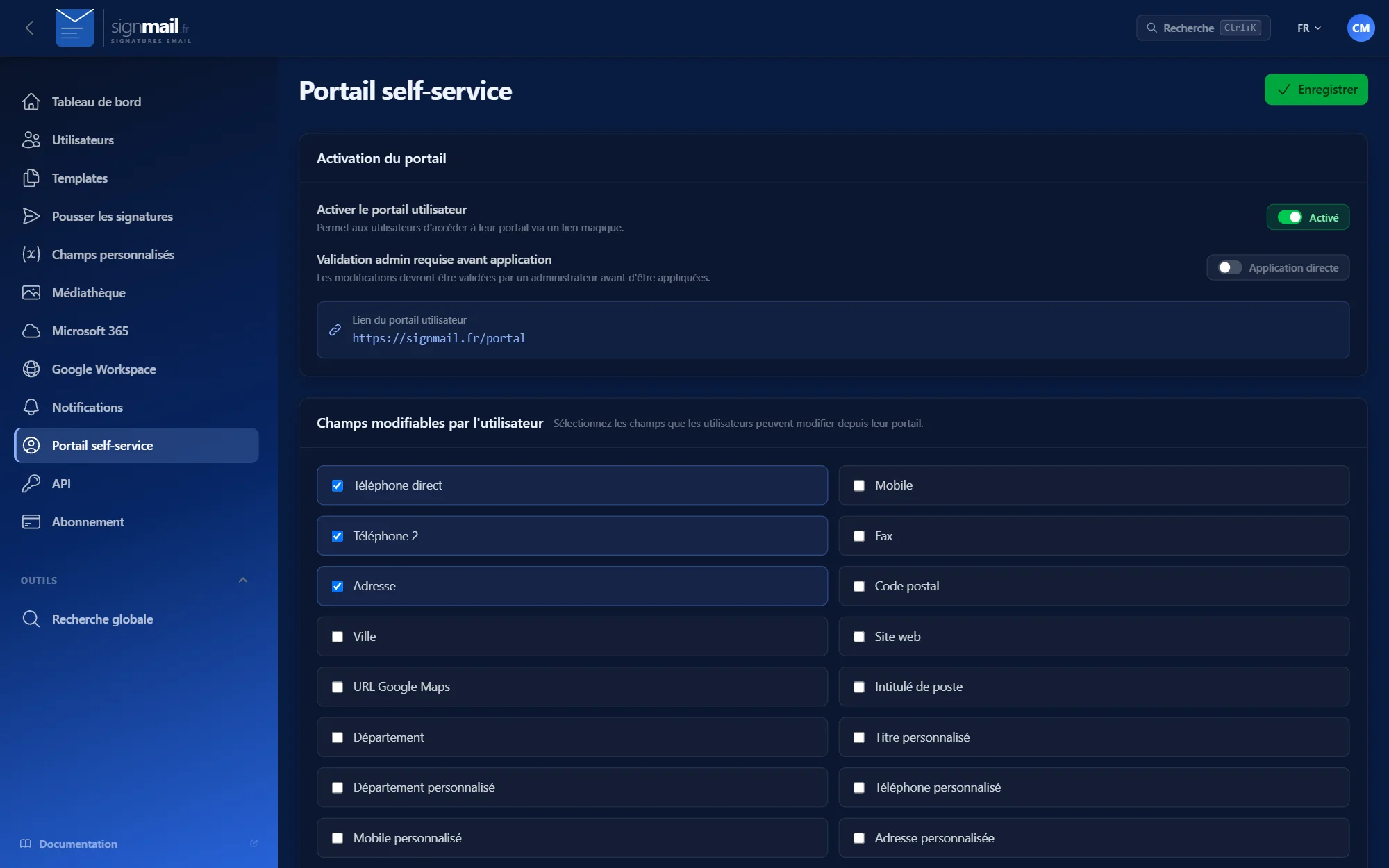
Each employee updates the permitted fields of their profile via a secure, password-free link, with optional approval.

Multi-organisation & tracking

Several organisations in one interface, deployment dashboard, full history, failure alerts and REST API.

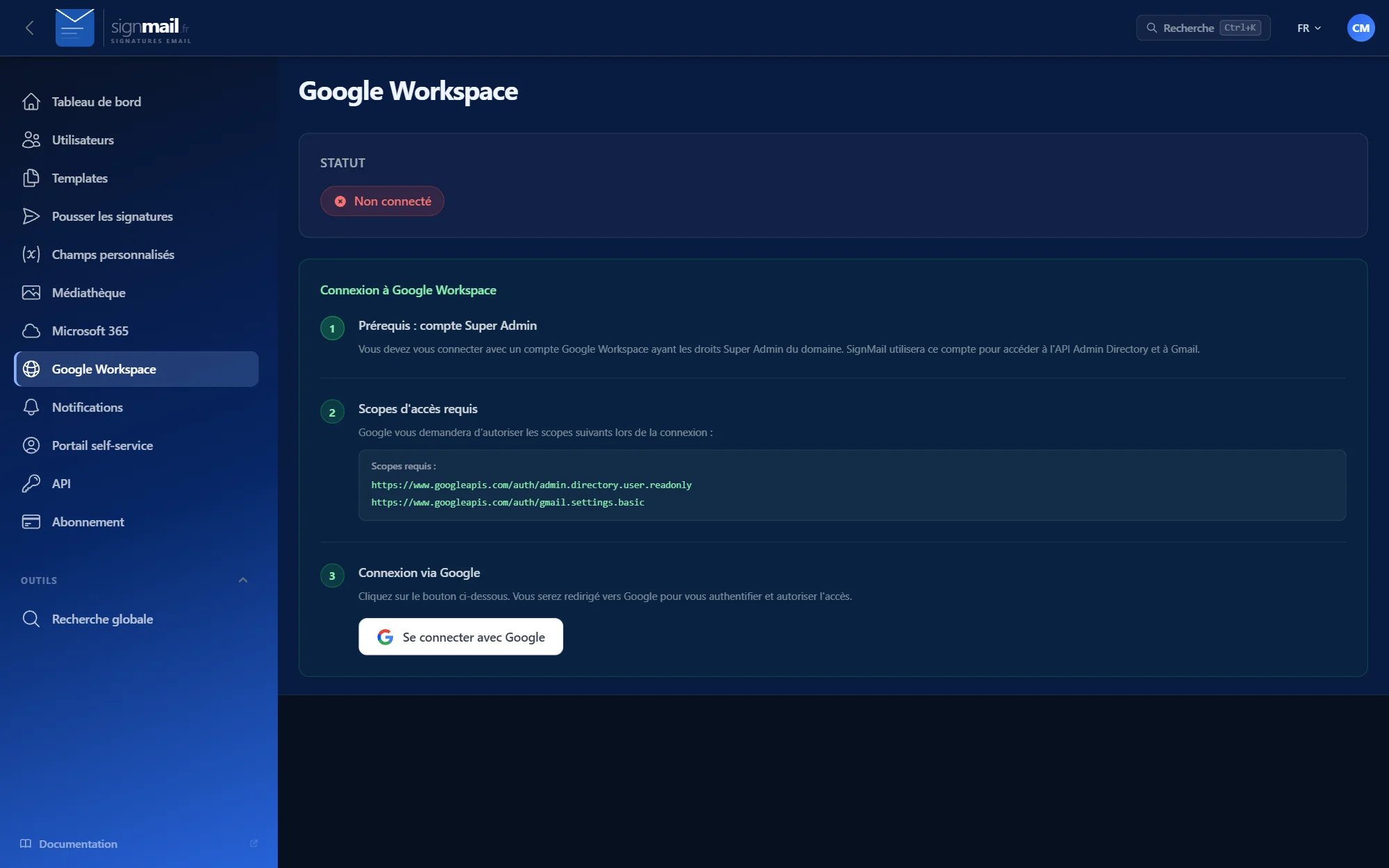
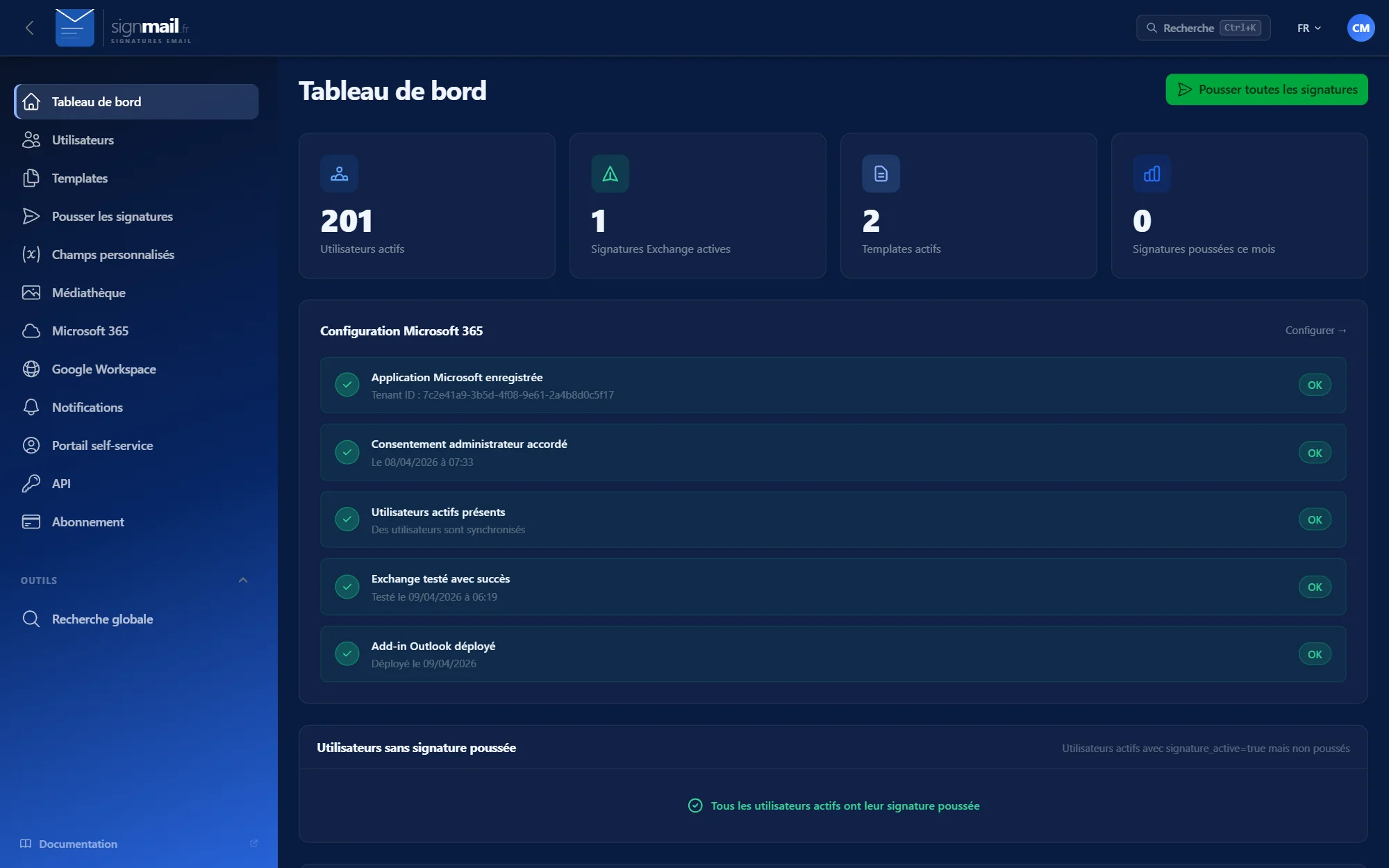
SignMail in pictures

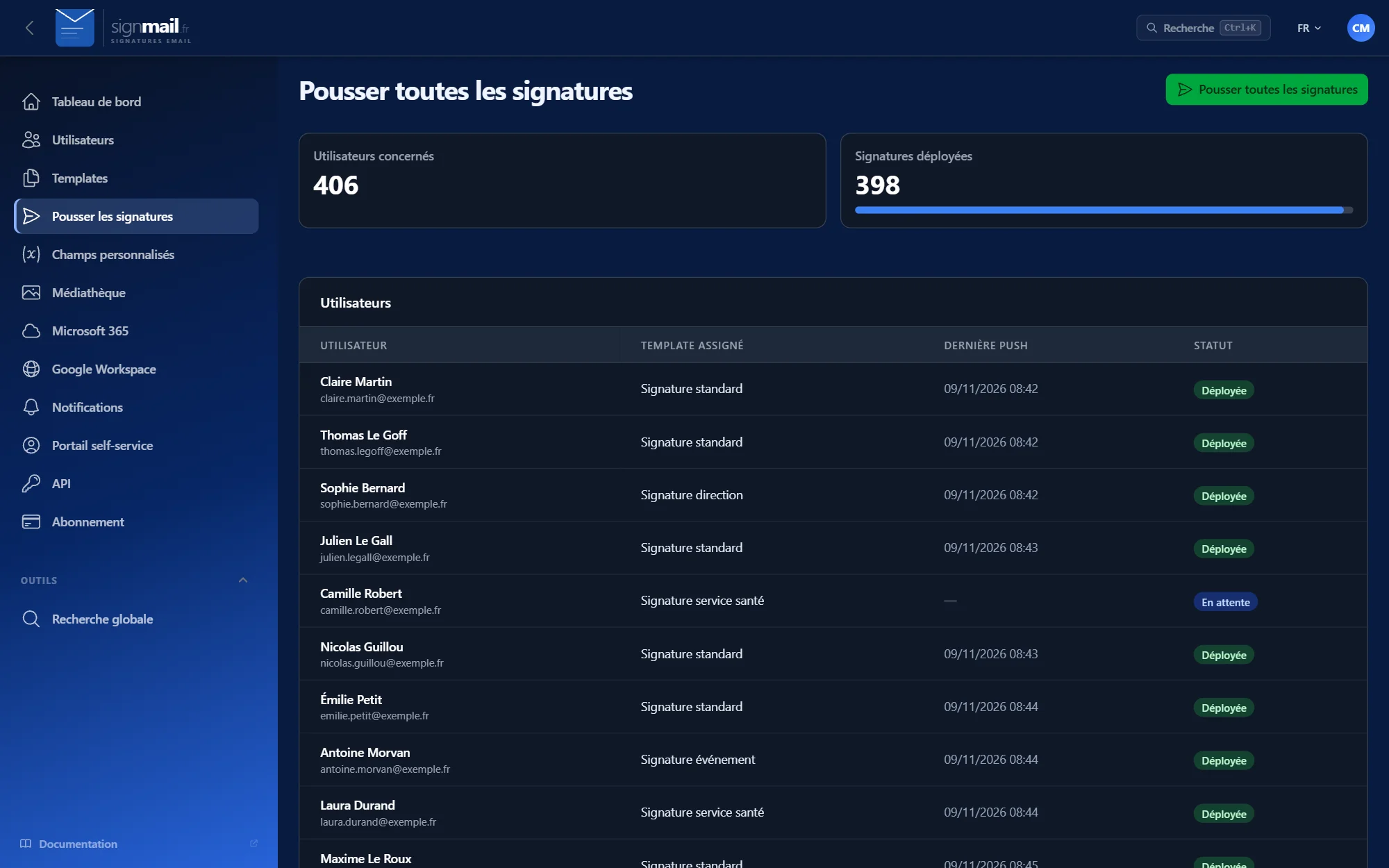
The administration interface, screen by screen.

Microsoft 365 and Google Workspace

No installation on workstations

No commitment

Who is it for?

SignMail is for businesses that want consistent signatures on all their emails, from a few employees to several hundred.

It also suits IT service providers who manage signatures for several clients.

Desk with a laptop and documents

Deploy and update signatures for all employees without touching each workstation, with a deployment history.

How does it work?

1. Connect your email

Connect your Microsoft 365 tenant in a few guided steps, or your Google Workspace domain.

2. Create your templates

Design your signatures in the visual editor: everyone’s contact details come from the directory.

3. It’s deployed

Signatures apply automatically, and the dashboard shows the status of each deployment.

Plans based on the size of your team

All three plans include the same features: only the number of users changes. Monthly prices excluding VAT, no commitment and no set-up fees.

Starter

29 €/ month excl. VAT
  • Up to 30 users
  • About €0.97 per user
  • All features
  • No commitment
  • Email support

Business

79 €/ month excl. VAT
  • Up to 100 users
  • €0.79 per user
  • All features
  • No commitment
  • Email support

Enterprise

149 €/ month excl. VAT
  • Up to 500 users
  • €0.30 per user
  • All features
  • No commitment
  • Email support

Frequently asked questions

No. On Microsoft 365, the signature is added server-side, with no installation or configuration on workstations, and updated automatically.