
Workplace environment

Workstations, IP telephony and printing: your managed workplace environment

Your teams’ working environment

The workstation, phone and printer are the tools your staff use every day. When one of them misbehaves, the whole business slows down.

PharWeb prepares, deploys and monitors this equipment to give your teams a working environment that is reliable, secure and easy to use: up-to-date workstations, modern IP telephony and hassle-free printing.

Workstations prepared and monitored3CX IP telephonyPrinting and scanningOn site in Morbihan and Brittany
Connected office: the workstation installs its update, the IP phone receives a call and the network printer prints a documentUpdateSystem and softwareIncoming callOnline
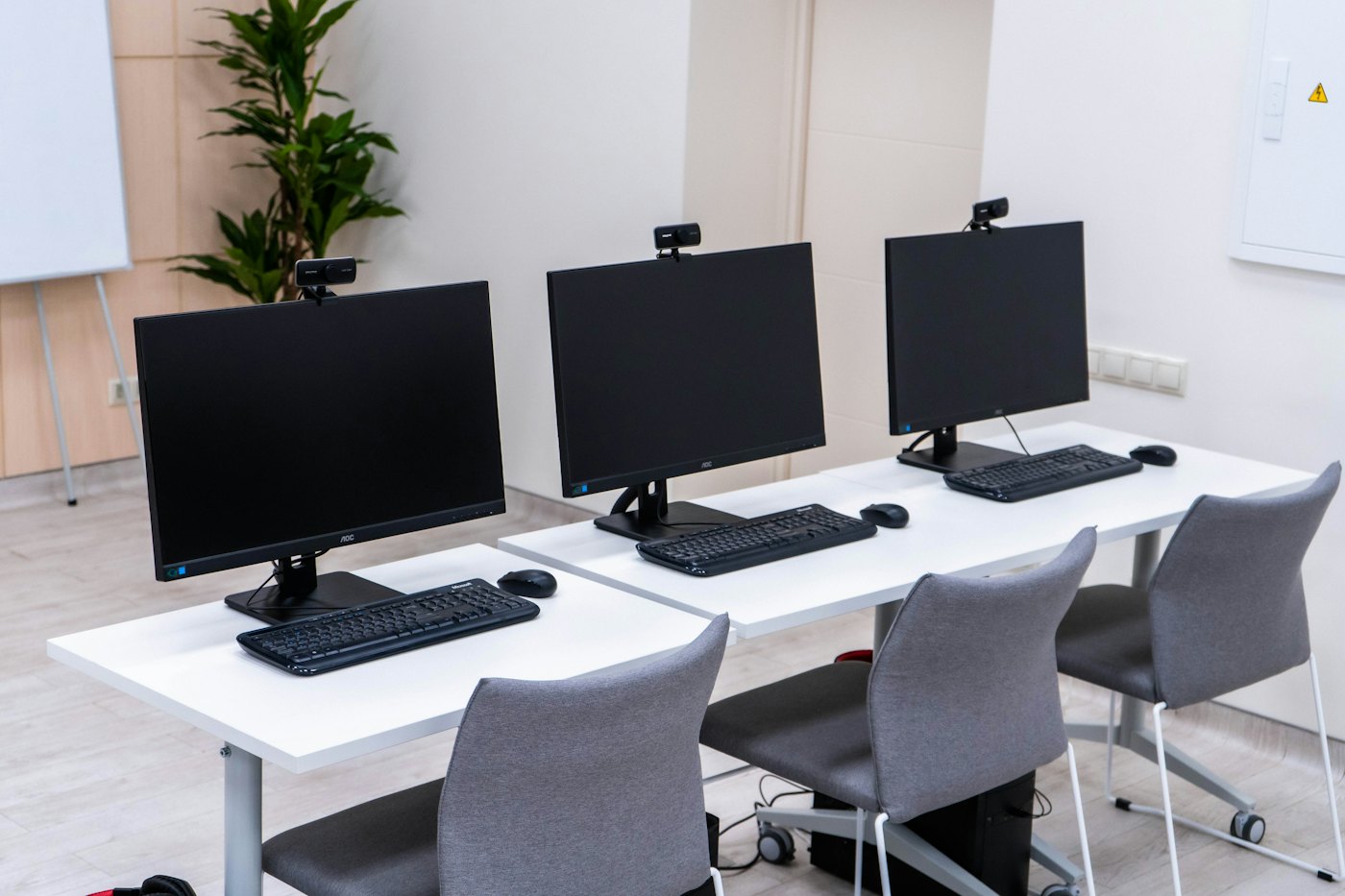
Row of workstations with screens on white office desks

Workstations that are ready and monitored

Each workstation is prepared, installed and monitored over time, so that your staff work on equipment that is up to date, secure and configured according to your rules.

Preparation and deployment

Installation, configuration, data transfer and commissioning of each workstation.

Managed updates

The operating system and software are kept up to date.

Centralised settings

Session locking and settings applied remotely, with compliance tracking, thanks to a GLPI plugin developed by PharWeb.

Security keys

For designated users, a physical key and two-factor authentication protect access.

Need new workstations? See Hardware sales & advice.

Flexible IP telephony with 3CX

PharWeb sets up IP phone systems based on 3CX: IP handsets supplied, a desktop and mobile app, and keeping your existing numbers. Every call is greeted and then routed to the right person, wherever they are.

Incoming call
Greeting and call queue
  • IP handset in the office
  • Desktop or mobile app
  • Transfer to a colleague
  • Voicemail
Number portabilityGreeting messagesCall queuesIP handsets supplied
Desk IP phone on a workstation in an open-plan office

Printing and scanning

Printing, copying and scanning should remain simple tasks. PharWeb installs and monitors your printing equipment.

Choice of equipment

Printers and multifunction copiers chosen according to your volumes and usage, through our Hardware sales & advice.

Network installation

Networking of the devices and deployment of drivers on workstations.

Scanning

Scan to an email address, a shared folder or the cloud.

Monitoring and troubleshooting

Devices are monitored and repaired if a problem occurs.

Frequently asked questions

PharWeb sets up IP phone systems based on 3CX, with IP handsets supplied and a desktop and mobile app.