Company portal

One entry point to all your tools

All your company's resources, in one place

The Company portal becomes your employees' home page: applications, documents, directory, news and tools, brought together on a subdomain in your name and in your colours.

A single sign-in, with a Microsoft 365, Google Workspace, Active Directory or LDAP account, and everyone only sees what concerns them. The portal stores no data of its own: it relies on your existing tools and makes them accessible from a single entry point.
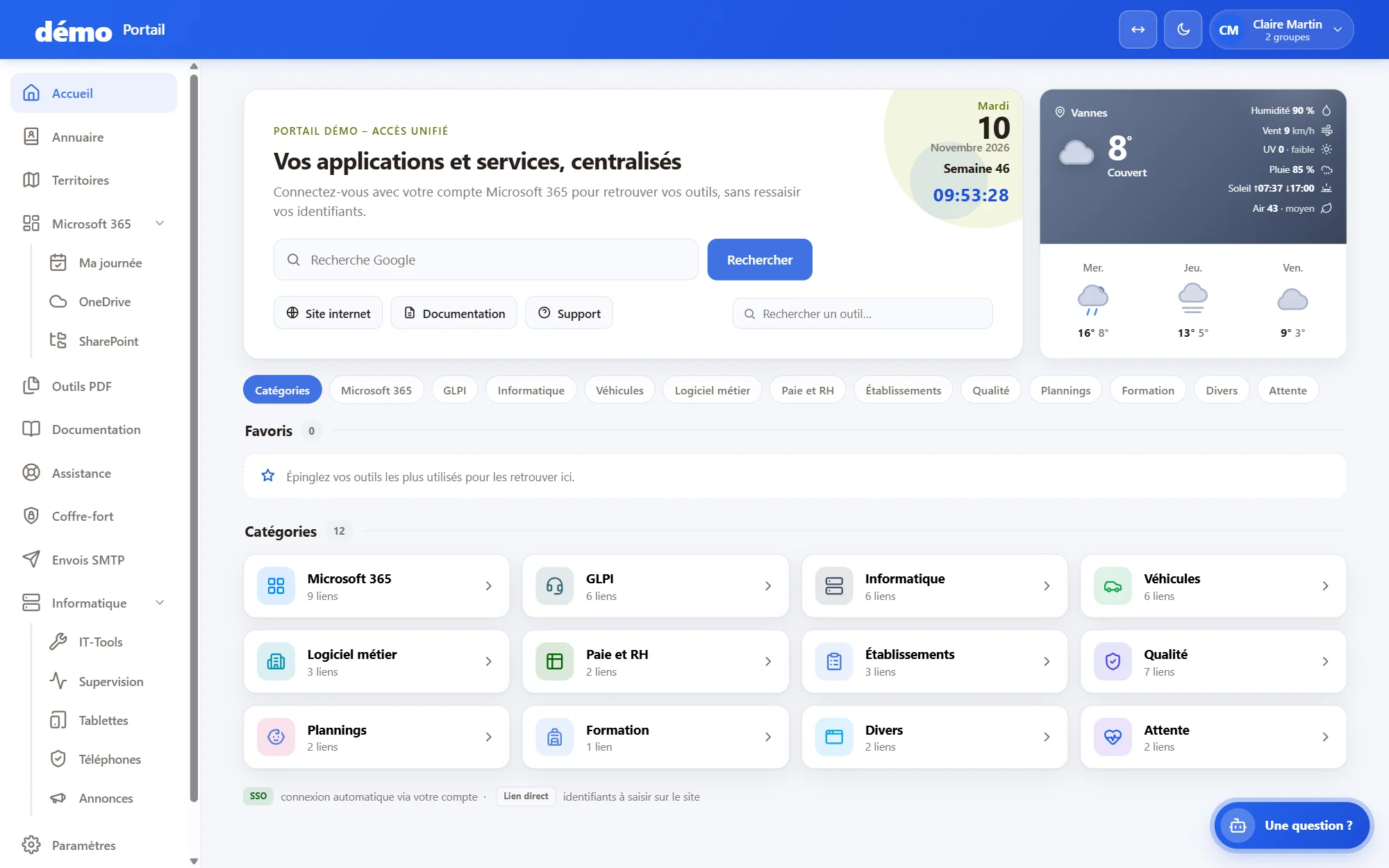
Company portal: application tiles, news and single sign-on

Modules to match your needs

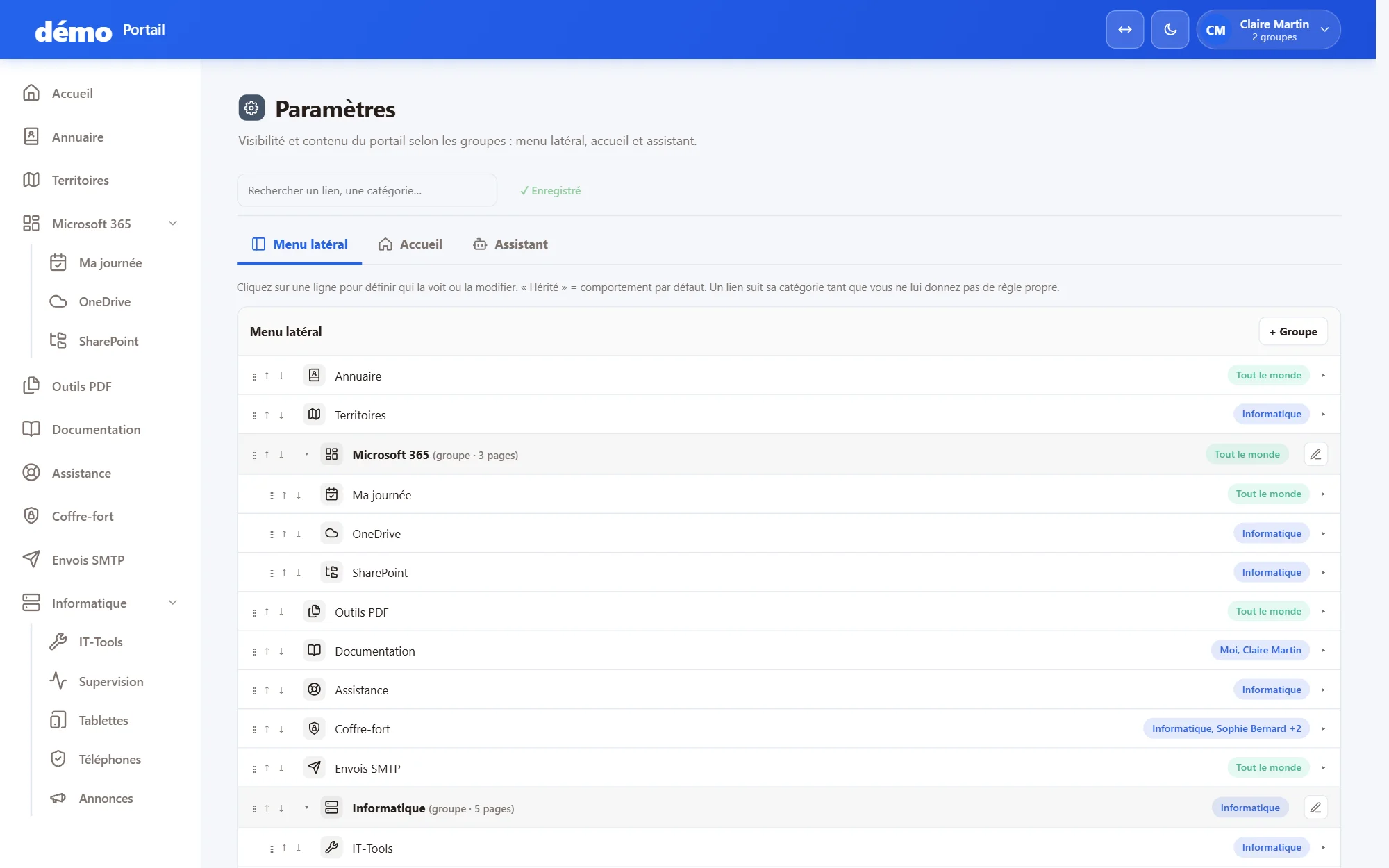
Each portal brings together the modules your organisation needs. Each page can be opened to a group or to named people.

Home & news

Company-wide and personal links and shortcuts, plus internal news and announcements as soon as it opens.

Staff directory

Clickable contact details, a map of your sites and an organisation chart generated automatically from GLPI.

My day

Today's meetings, tasks and messages, with Microsoft 365 or Google Workspace.

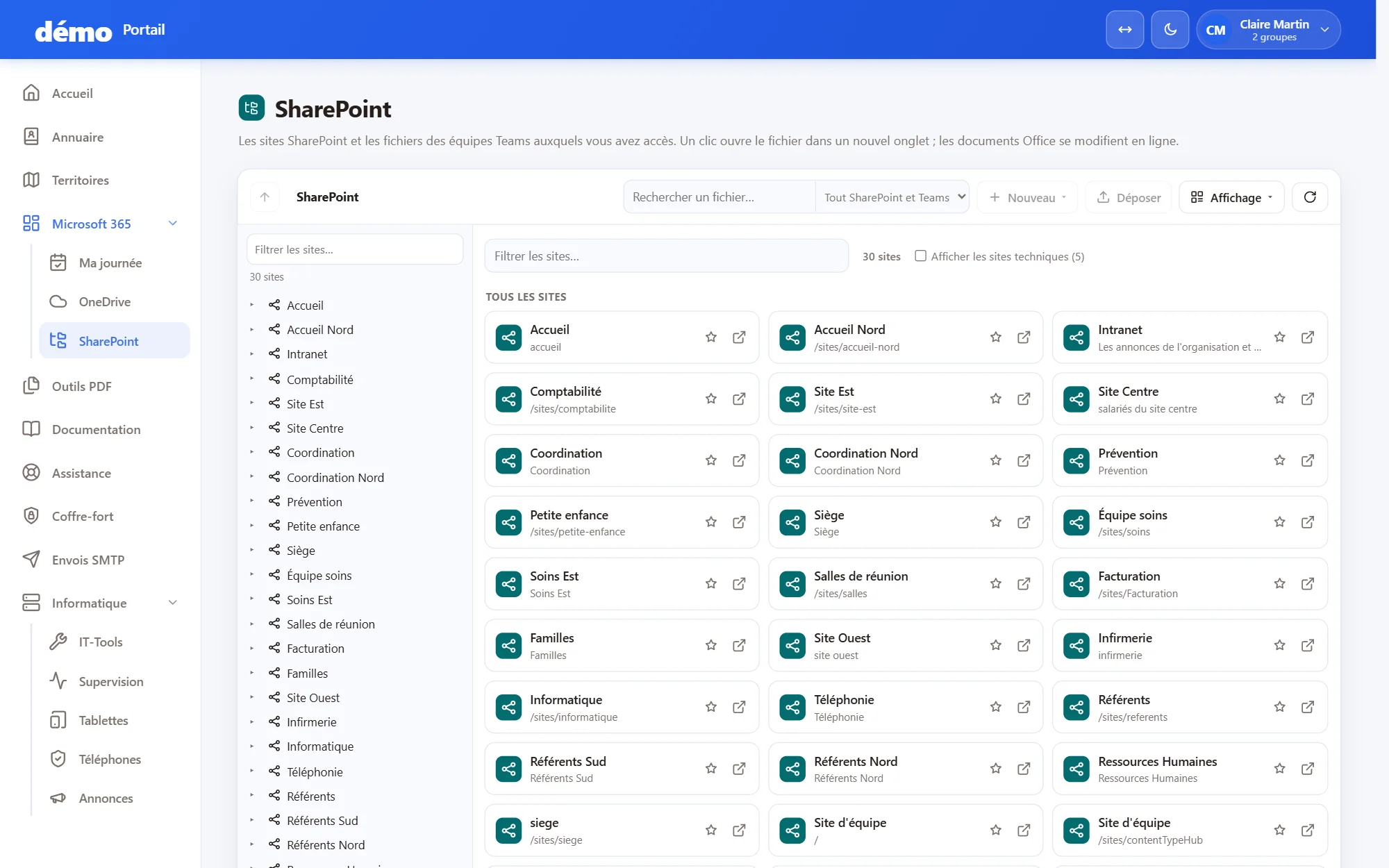
Shared documents

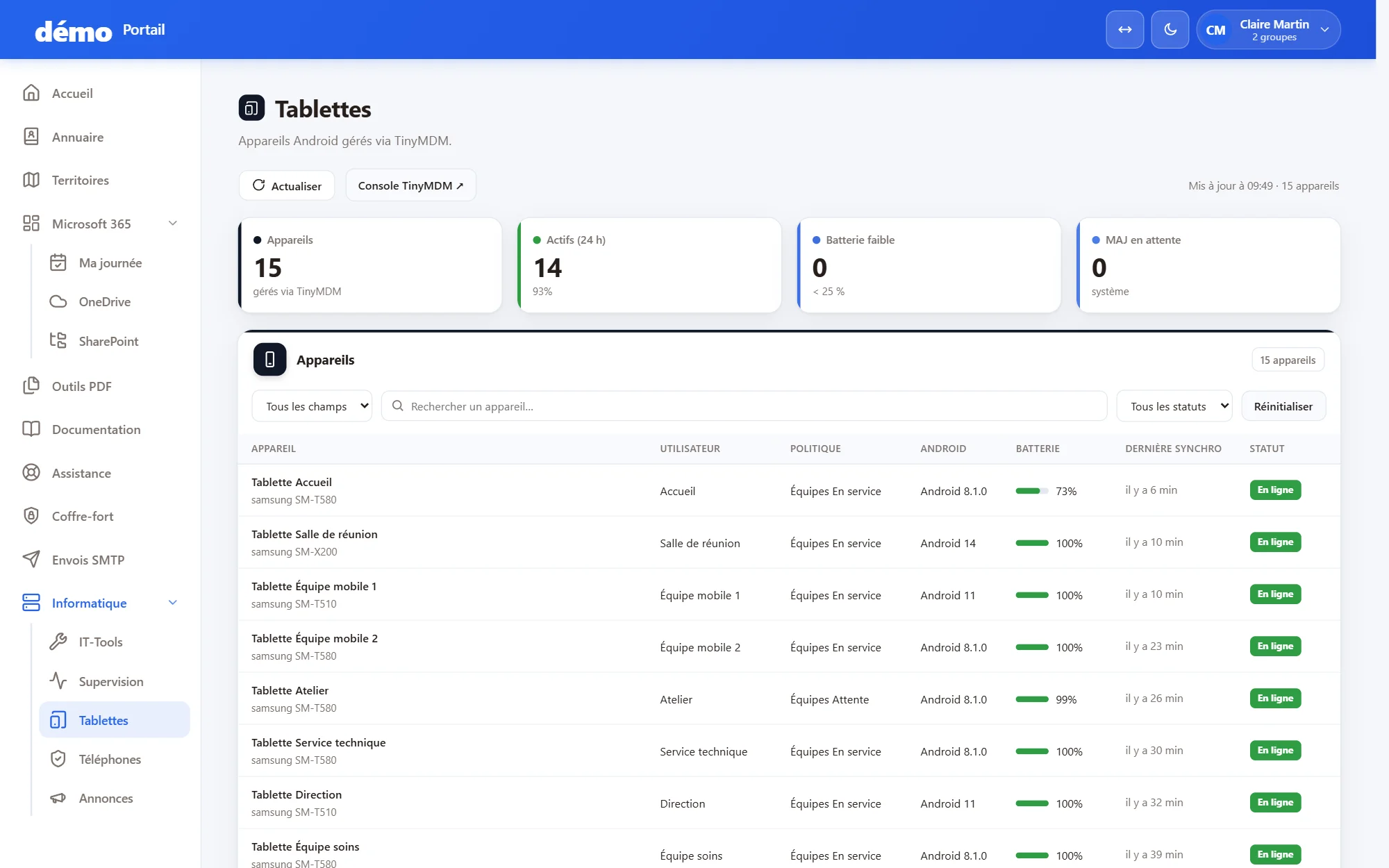
OneDrive, SharePoint or Google Drive, with direct access or with files displayed in the portal.

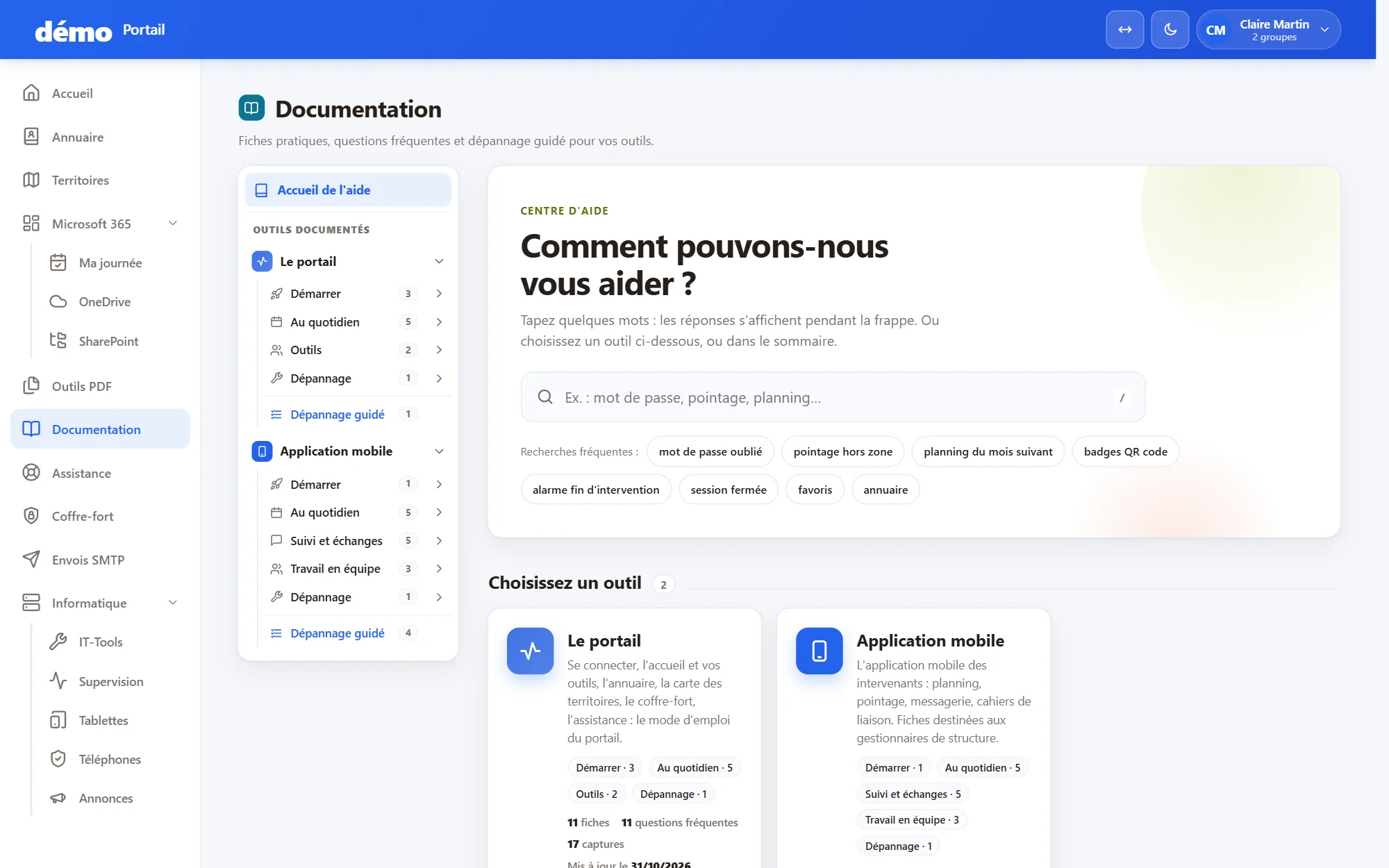
Support & help

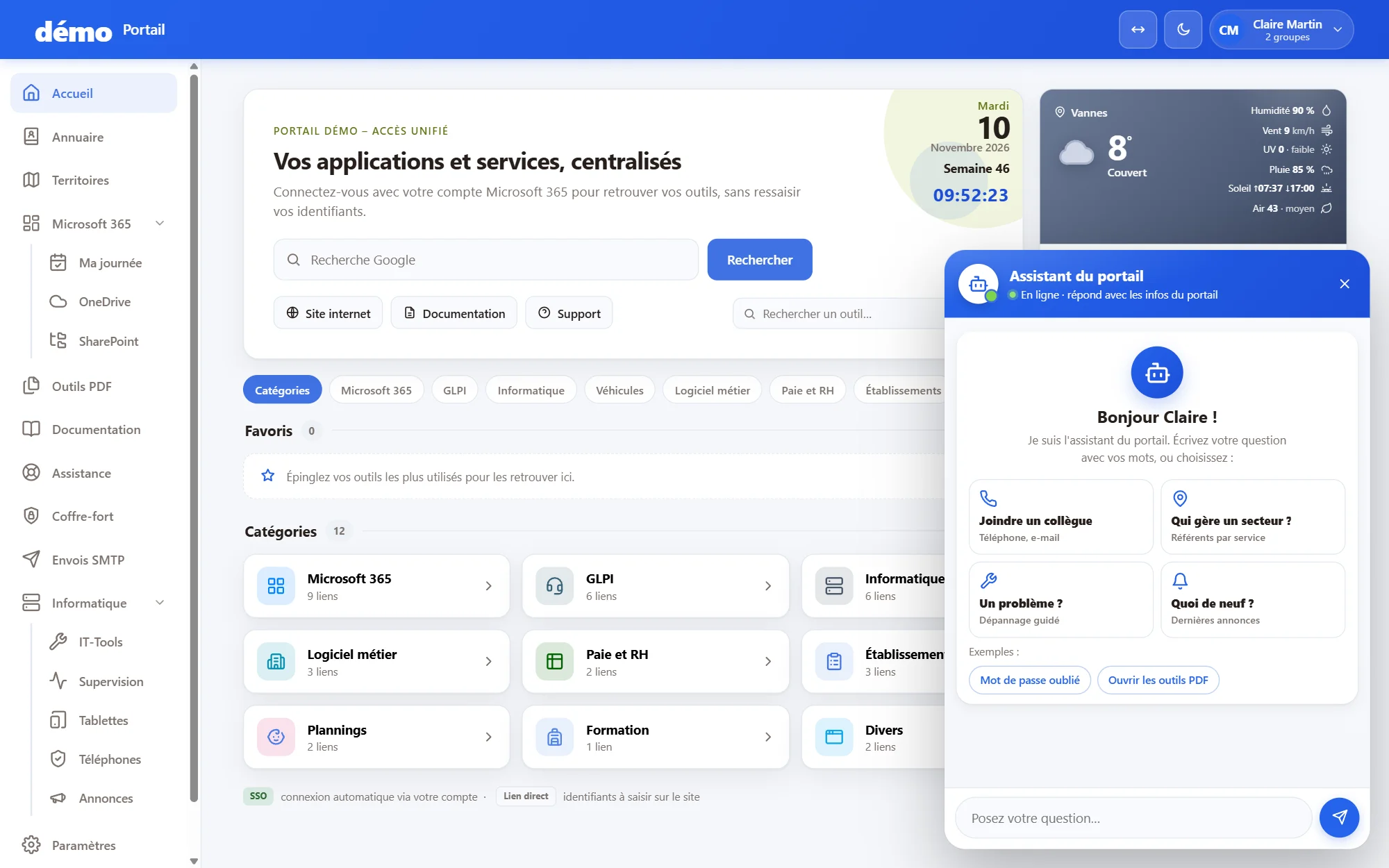
Requests linked to GLPI tickets with their follow-up, and guides taken from the knowledge base.

Password vault

A vault hosted by PharWeb, with personal vaults and vaults shared by team.

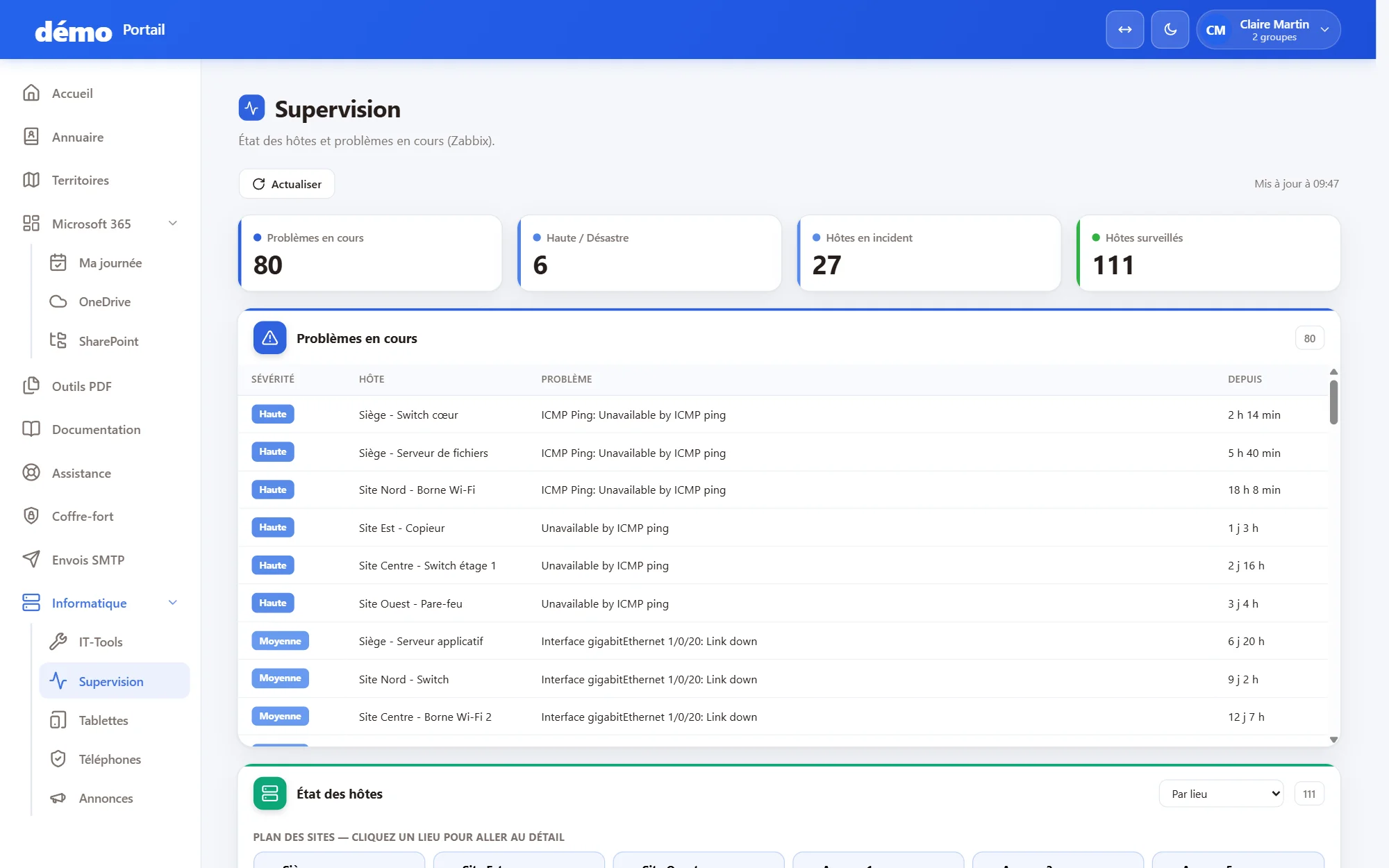
Monitoring & email

Server status and alerts, and tracking of emails sent by the company's mail relay, for authorised groups.

Mobile & tools

Smartphones and tablets linked to your management tools, PDF tools processed in the browser and an IT toolbox.

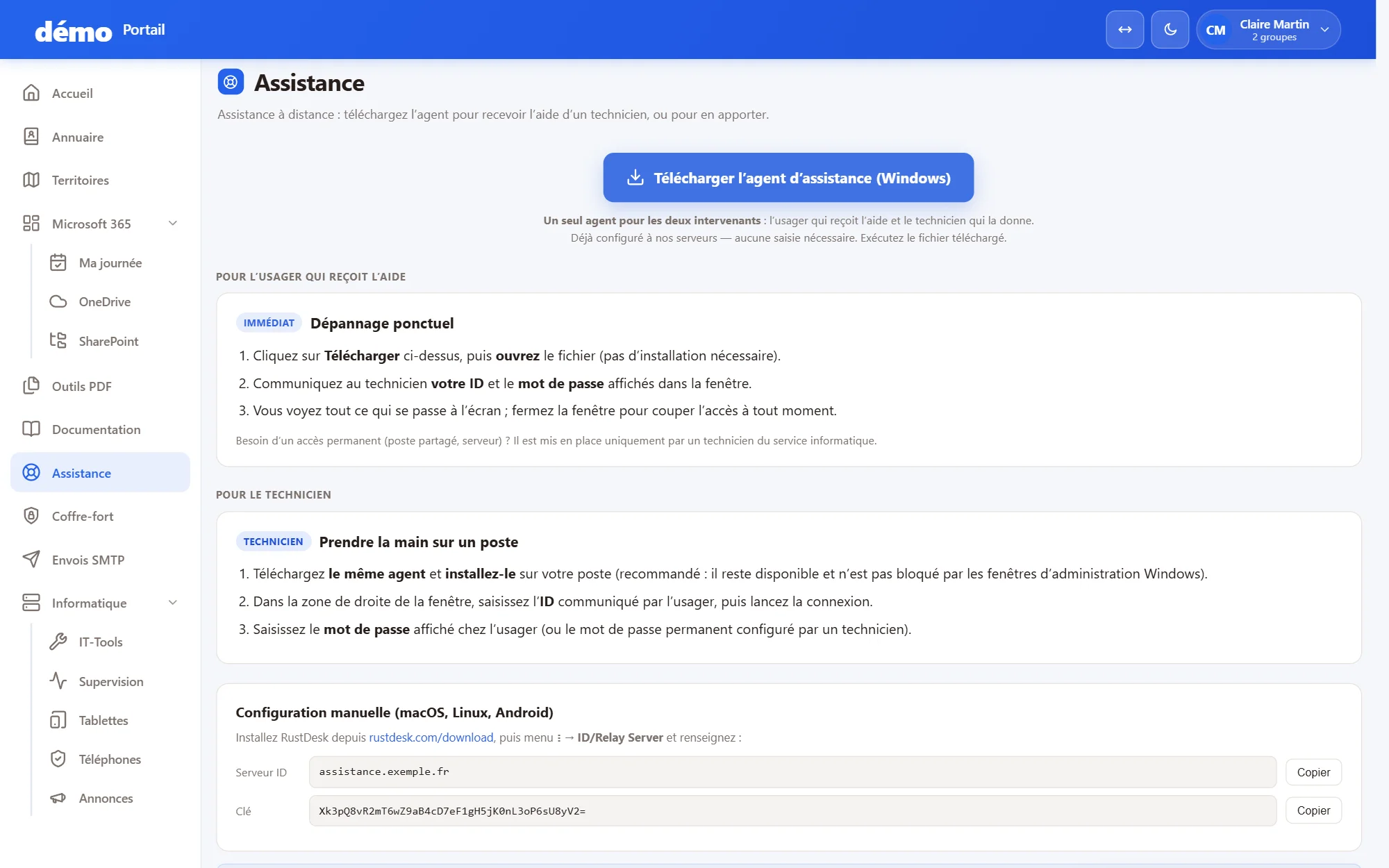
The portal in pictures

A portal in service, feature by feature.

Single sign-on

Your name and your colours

Rights by group or by person

Who is it for?

The portal is for businesses, associations and local authorities that want to give their teams a single entry point to their tools.

It works with Microsoft 365 as well as Google Workspace, and adapts to the way each organisation is structured.

Share internal news and announcements, and give everyone simple access to the company's tools.

How does it work?

1. We define the scope

Together, we choose the modules, groups and access rights to suit your organisation.

2. We set it up

The portal is installed on your subdomain, in your colours, and connected to your email and your tools.

3. Your teams use it

A single sign-in to find everything. PharWeb hosts the portal and develops it with you.

Frequently asked questions

No. The portal holds no data of its own: it reads your information where it lives (Microsoft 365 or Google Workspace, GLPI…) and acts as an entry point to your resources.